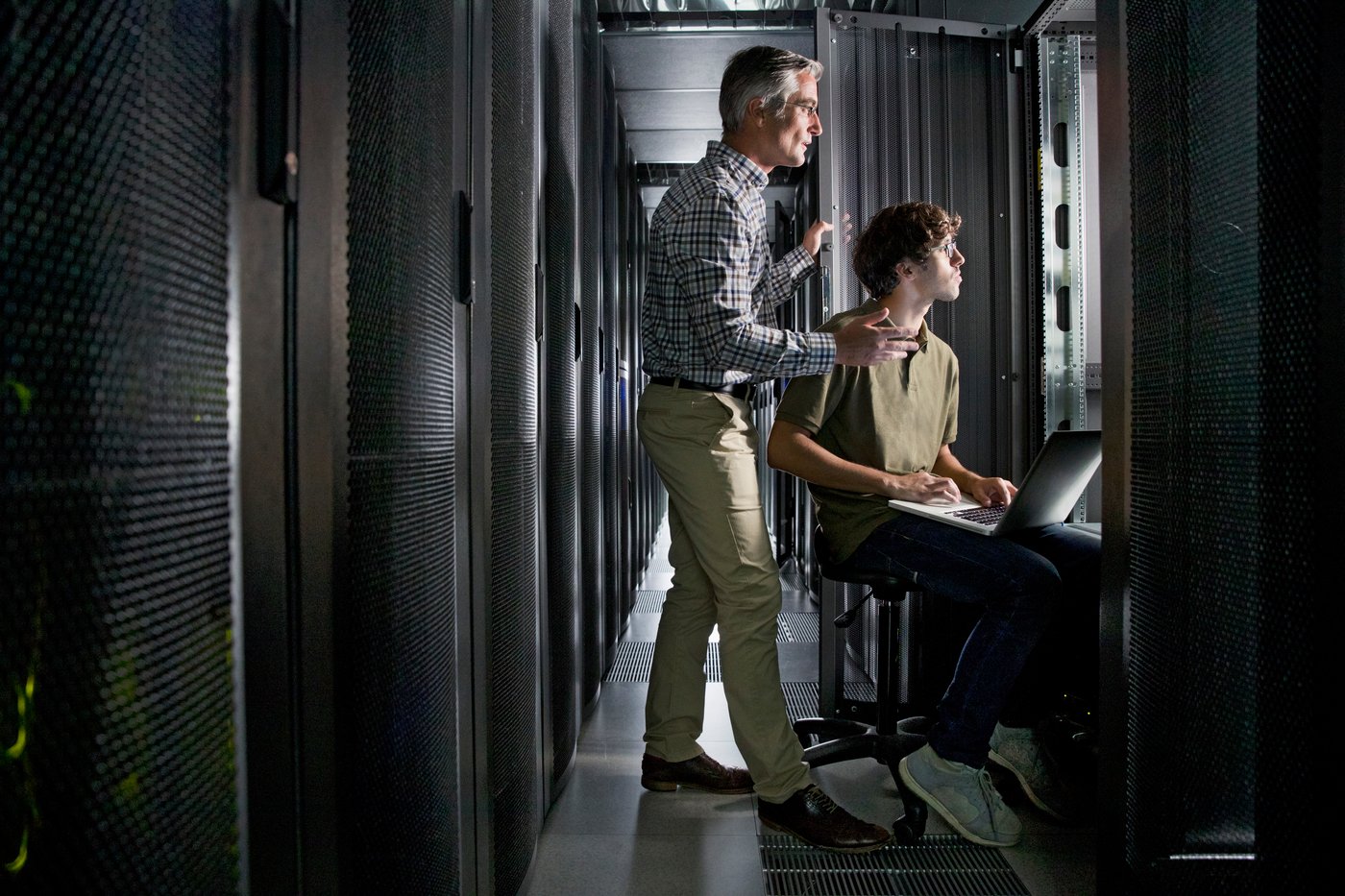
Two engineers working in a data center aisle
Cloud Infrastructure & Migration

Google Cloud migration services
and GCP design.
Modernize your infrastructure with a proven migration framework.

Suitebriar helps clients design secure landing zones, architect scalable cloud environments, and migrate systems with minimal risk. Our team aligns technical decisions with your business objectives to ensure long-term scalability, performance, and cost efficiency.

Trusted by teams at

  • Reddit
  • Cloudflare
  • Okta
  • Zapier
  • Dialpad
  • Prezi
  • Century 21 Canada
  • Berkshire Hathaway HomeServices Homesale Realty

What is a GCP migration?

A GCP migration moves servers, databases and applications from your data center or another cloud into Google Cloud, onto a landing zone built first: the organization, folders, projects, access controls and network your workloads will run in.

Google's own tools do the moving. Migration Center inventories your servers and databases and produces a total cost of ownership report. Migrate to Virtual Machines copies VMs from VMware, AWS or Azure while they keep running, then cuts over in a short maintenance window. Database Migration Service keeps MySQL, PostgreSQL, SQL Server or Oracle databases in sync with Cloud SQL or AlloyDB until you switch.

A project team gathered around a table working through printed plans and diagrams

Service capabilities

Infrastructure assessment and discovery

What runs today, what depends on what, and what it would cost on Google Cloud. Google's Migration Center builds the inventory and a total cost of ownership report.

Landing zone + IAM design

Resource management, IAM, networking, billing and cost management, and logging and monitoring, built with Terraform.

Network architecture and security configuration

VPC networks and firewall rules in place in the landing zone before the first workload arrives.

VM, database, workload, or app migration

VMs from VMware, AWS or Azure, and MySQL, PostgreSQL, SQL Server or Oracle databases, each with the Google tool built for it.

Data and storage modernization

Evaluating and moving data warehouses to BigQuery, Google's serverless data warehouse.

CI/CD and DevOps guidance

Infrastructure kept as Terraform code, so every change to the environment is reviewed and can be rebuilt.

Cost optimization strategy

Resources and configurations tuned for cost and performance once workloads are running.

How a Google Cloud migration runs

  1. Assess and planEvaluate the current VMs and workloads, their dependencies, and how each fits Google Cloud.
  2. Build the landing zoneProjects, IAM, VPC networking, firewall rules and storage set up before anything moves.
  3. Migrate and validateWorkloads move with the method chosen for each, then are tested for function and performance before cut-over.
  4. Optimize and supportResources and configurations tuned for cost and performance, security and compliance practices applied, and ongoing support.

Two colleagues planning together over a laptop and notes

Which Google tool moves what

Google's own migration tools, and what to plan for with each.

What you're movingGoogle's toolWhat to plan for
Inventory and costMigration CenterDependencies decide which servers move together; the cost of ownership report is the business case
VMs from VMware, AWS or AzureMigrate to Virtual MachinesTest a clone first; cut-over means a short downtime in a maintenance window
MySQL, PostgreSQL, SQL Server (same engine)Database Migration ServiceContinuous replication; switch when source and destination are in sync
Oracle or SQL Server to PostgreSQLDatabase Migration ServiceA conversion: the schema and application code change with it
The organizationResource hierarchy: organization, folders, projectsNeeds Google Workspace or Cloud Identity; roles granted on a folder apply to everything in it
AccessIAM rolesNo basic Owner or Editor roles in production; predefined or custom roles instead

Google Cloud Foundations

What the landing zone engagement delivers

A production-ready Google Cloud environment in 4 to 8 weeks, built by Solutions Architects, Cloud Engineers and Project Managers. Your team runs user acceptance testing before handoff.

EnvironmentProduction-ready landing zoneResource management, IAM, networking, billing and cost management, and logging and monitoring.
CodeTerraform templatesThe environment as Infrastructure-as-Code, so it can be reviewed, changed and rebuilt.
DocumentationDesign documents and diagramDetailed technical design documentation and a full architecture diagram.
HandoffKnowledge transfer and supportKnowledge transfer sessions for your team and post-implementation support.

Google Cloud migration FAQ

What IT leads ask before moving workloads to Google Cloud.

Moving from a data center or another cloud?

Tell us what you run today and where, and we'll talk through which Google tools fit and what to plan for.

Will our systems go down during the migration?

Only briefly, at cut-over. Migrate to Virtual Machines copies each VM while it keeps running and stops it only for the final switch, which Google says should happen in a scheduled maintenance window. Databases moved with continuous replication stay in sync until you switch, which keeps downtime to a minimum.

Can we move from AWS or Azure?

Yes. Migrate to Virtual Machines takes VMs from AWS and Azure as well as VMware, and Migration Center can inventory what you run in other clouds before you decide what moves.

Do we need Google Workspace to use Google Cloud?

You need Google Workspace or Cloud Identity to have a Google Cloud organization, and folders need an organization. If you already run Workspace, that identity is in place.

How long does a migration take?

It depends on the number of workloads and how they depend on each other. The landing zone comes first; then each group of workloads is migrated, validated and optimized in turn.

How do you estimate what we'll spend on Google Cloud?

Google's Migration Center produces a total cost of ownership report from your inventory, and a quick estimate of future Google Cloud costs is in preview. Rightsizing after the move is part of the optimization stage.

Plan your move to Google Cloud

Tell us what you run today, where it runs and what's driving the move.

  • Google Cloud Premier Partner, working only on Google Cloud and Workspace for more than a decade
  • U.S.-based support team

Free AI starter kit

From your data to your first AI agents, in four steps

Google's AI starter kit for lean teams: your four-step guide from data to agents.

  • Four steps, from a first no-code win to a multi-step agent workflow
  • Use cases with sample prompts, plus the ABCD prompting technique
  • Best practices for data quality, governance and human oversight