
Have you ever wondered how turning on this small feature on your Google Meet can improve your communication as a team?
Gemini allows you to generate Google Docs with the transcripts of your Google Meet meetings and saves them to the administrator’s Google Drive. Here we'll show how Gemini in Google Docs can be used to summarize, clarify, and translate the transcription of a meeting.
Summarize the conversation
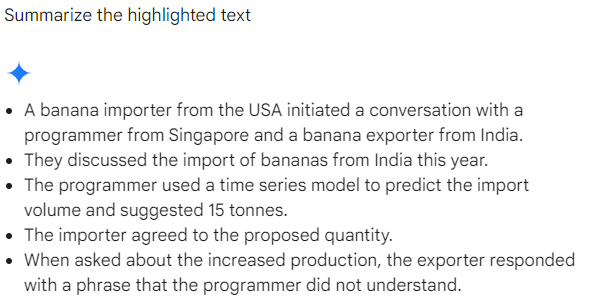
Let us assume the following conversation was transcribed from a Google Meet into a Google Doc:Banana Importer (From the USA): Howdy! How are you?
Programmer (From Singapore): We are a good importer, How are you? We were about to discuss the sales and how much to import from India this year.
Banana Exporter (From India): We have had plenty of “varsham” (rain) this year and crop growth is great. Please let me know how much of produce you need.
Programmer: I was just predicting the numbers through my time series model. I have a prediction of about 15 tonnes of bananas will be an apt amount to import.
Banana Importer: Fine, lets go with 15 tonnes then. How were you able to produce more this year?
Banana Exporter: that happens that way only.
Programmer: Alright then see you soon!
Prompt: “Summarize the highlighted text”
Dialect detection
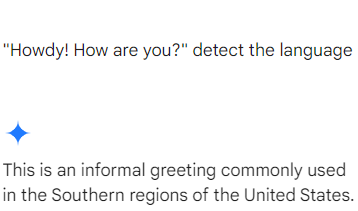
We understand that in a multinational call, each person comes from a different culture, dialect, or even accent. You can ask Gemini to highlight the text on the transcripts in Google Docs to explain the slang used.Prompt: "Howdy! How are you?" detect the language
Gemini also provides you with alternatives to the said sentence. Let's take an example of a common Indian slang that can be used in multiple contexts.
Prompt: “It happens that way only." "Explain what does this sentence mean.”
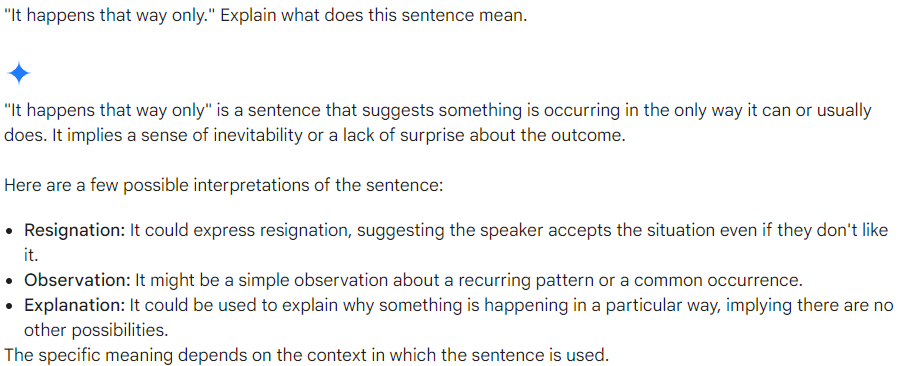
This allows you to fill the communication gaps and foster a better understanding among the participants from various cultural backgrounds.
Translation
Similar to dialect Gemini understands that people are comfortable using their first language. Hence allowing your clients to translate your conversations from more than 40 languages.With prompt such as: ”what does the highlighted word mean” or “Can you translate the highlighted word from this conversation?”
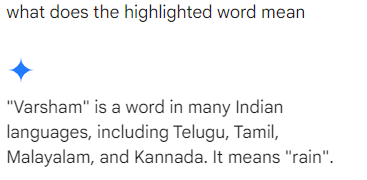
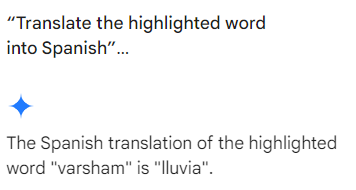
You can also translate the same word into a language you understand as well. With prompt like: “Translate the highlighted word into Spanish”
Cultural Awareness and prompting
Promoting cultural awareness to manage your conversations. Gemini allows you to figure out the appropriate use of language so that you can communicate with your international clients with ease.With prompts like: “Are there any topics or gestures that are considered taboo in a [specific] culture?"
Search and reference information
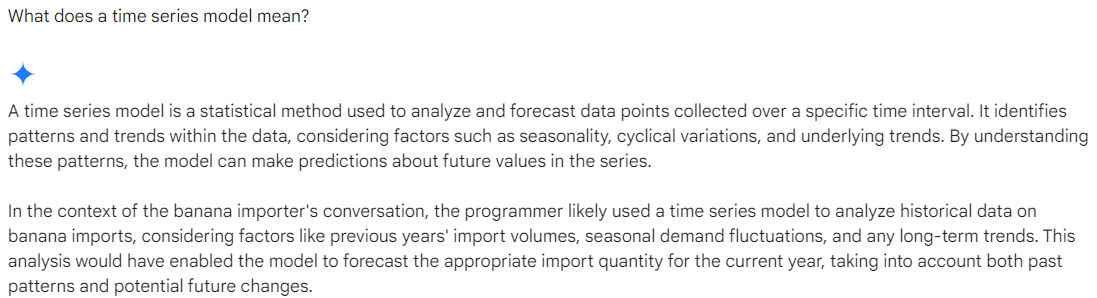
A discussion in which you do not a scientific term or are stuck because of your limited knowledge. Gemini helps you find the meaning of the terms in the transcript.
Prompt: “What does a time series model mean?”
If you are still stuck with understanding the model. The easiest way to understand a certain topic is by using the prompt.
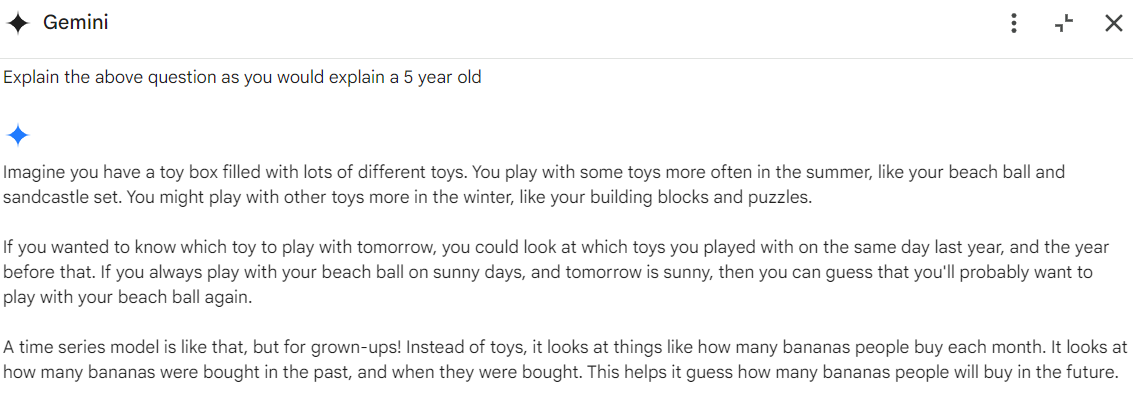
Prompt: “Explain the above question as you would explain a 5-year-old.”
Hence, Gemini serves your clients with various needs and brings your multinational call hindrance free of cultural gaps and improves your productivity.