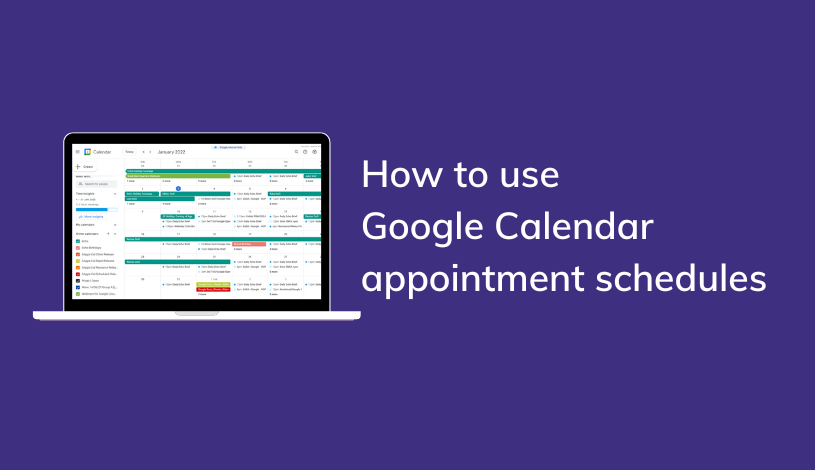
Another month, another slew of tips from our in-house Google Workspace trainer. For the newest entry in our tips and tricks series, we will showcase the power of the Appointment scheduling feature in Google Calendar. In its earliest form, a much more rudimentary version of this feature was available in Google Calendar, known as appointment slots.
What is appointment scheduling used for?
Similar in functionality to its predecessor, appointment slots, appointment scheduling allows you to curate openings in your calendar for others to book time with you. Released in 2022, this drastically overhauled feature set greatly expanded on what was possible with appointment slots. If you have used appointment slots before last year's release of appointment schedules, that will be the default setting on your calendar, and you have to switch to an appointment schedule manually. Note that Google Workspace Business Starter accounts cannot access this feature.
What improvements does appointment scheduling provide?
The workspace team drove things into overdrive by significantly expanding on what is possible with appointment scheduling. Including a newly designed booking page, an appointment notification system, the ability to specify where the meeting will occur, and customizable appointment availability. Feast on the video below for a crash course into this seriously impressive new tool.
How to use Google Calendar appointment schedules
As an awarding winning Google Cloud Partner, our band of Google aficionados is here to assist with any training guidance about using appointment schedules or Google workspace. Contact us here.